How to Set Up a Home Office Desk That Actually Works
Key takeaway
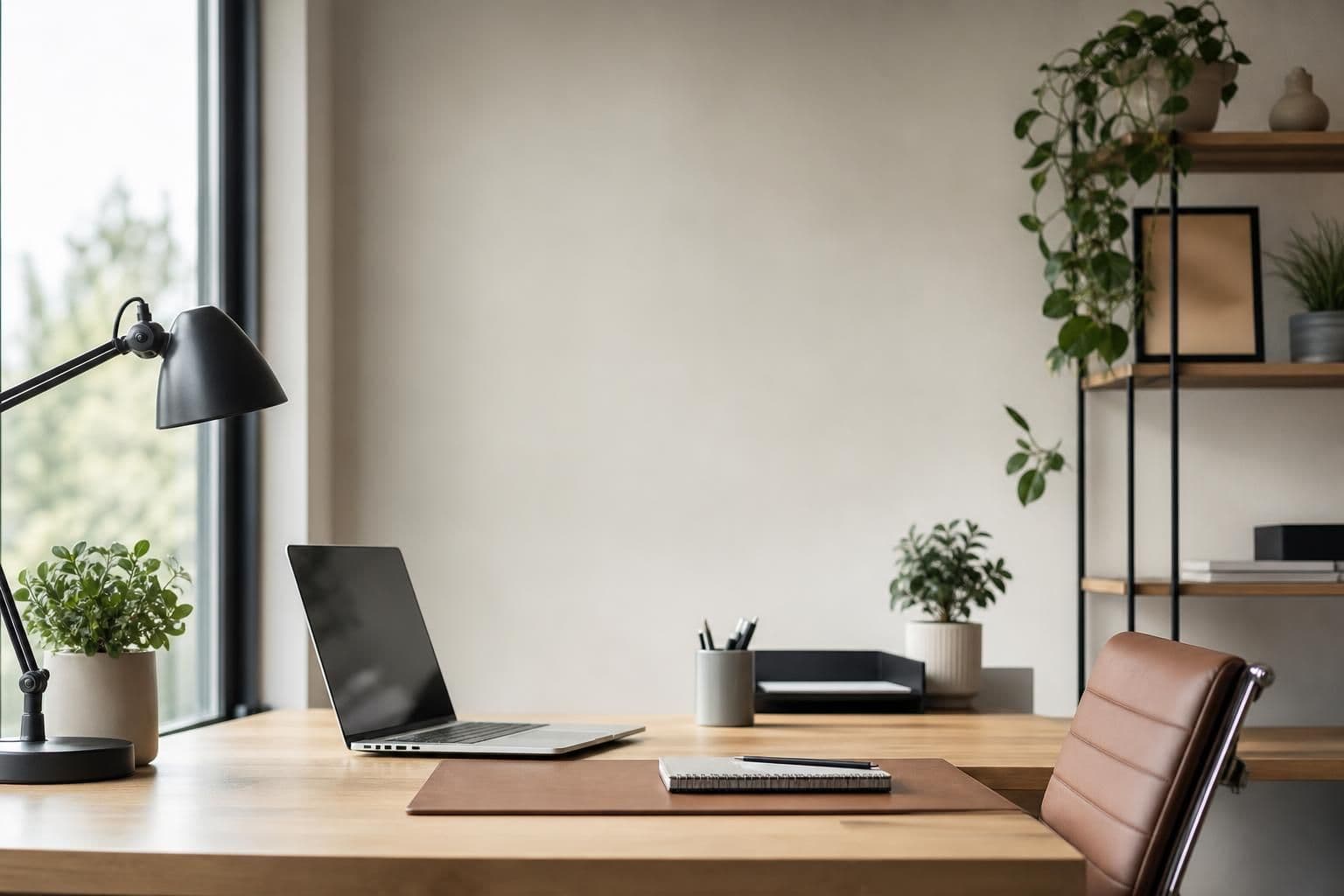
To set up a home office desk, position it near natural light but out of direct glare, keep your monitor at eye level roughly an arm's length away, place your keyboard so elbows stay at about 90 degrees, and clear the surface down to only what you touch daily. Everything else — cables, chargers, stray papers — belongs in a drawer, a stand, or off the desk entirely. Get those four things right and the rest of the setup is just personal preference.
Key takeaways
- Monitor top should sit at or slightly below eye level, about 20-28 inches from your face.
- Keep elbows at roughly 90 degrees and wrists neutral to reduce strain during long typing sessions.
- Corral cables and small gear first — a cluttered surface is the most common reason a "good" desk setup still feels stressful.
Start with desk placement, not decoration
Before buying anything, decide where the desk goes. A spot near a window gives you natural light, but if the window is directly behind your screen, you'll fight glare all day — face the desk perpendicular to the window instead. If you're working from a bedroom or shared space, an interior wall away from foot traffic cuts down on distractions and reflections on your monitor.
The U.S. Occupational Safety and Health Administration publishes guidance on computer workstation setup, and one of its core points is that the workstation should let you keep a neutral posture without twisting or reaching — which starts with where the desk sits in the room, not just what's on it.
Get the height and posture right
Desk and chair height matter more than the desk's price tag. A few reference points:
- Elbows bent around 90 degrees when hands rest on the keyboard.
- Feet flat on the floor or on a footrest, thighs roughly parallel to the ground.
- Monitor top at or just below eye level, screen 20-28 inches away.
- Wrists straight, not bent up or down, while typing.
If your chair doesn't adjust enough to hit these marks, a cheap fix is raising the chair and adding a footrest, or raising the monitor on a stand or stack of books rather than hunching down to meet it.
Build the surface in layers, not all at once
A desk setup that works long-term is built in three layers:
- The essentials layer — monitor, keyboard, mouse, and whatever you use every single hour.
- The reach layer — notebook, phone, water bottle, pen cup — things you use several times a day but don't need centered in front of you.
- The storage layer — chargers, cables, spare supplies — kept in a drawer or on a shelf, not on the desktop.
If you skip the storage layer, the desk fills back up with clutter within a week. For a room that's already tight on furniture, this guide to organizing a small office desk walks through fitting all three layers into a limited footprint without buying a bigger desk.
Handle cables before they take over
Cable clutter is one of the fastest ways a clean desk turns messy. A simple system: run power cables along the back edge with clips or a binder clip repurposed as a cable holder, group charging cables by device, and keep only the cables you use daily within reach — spares go in a drawer. If your desk backs onto a wall, a small cable tray or a strip of adhesive hooks keeps everything off the floor and off the surface.
Choose gear that earns its spot
Not every gadget makes a desk better — some just add clutter. A few categories that genuinely help a small or shared workspace:
- A stand that consolidates chargers. A phone stand that also handles charging and cable routing removes several loose items at once; the 5-in-1 Magnetic Phone Stand is built for exactly that kind of consolidation on a crowded desk.
- A seat that doesn't demand permanent floor space. If your home office doubles as a guest room or dining nook, a Collapsible Seat can be tucked away when the desk isn't in use.
- Accessories chosen for function over decoration. For a broader rundown of what's actually worth adding to a desk versus what just looks nice, see this breakdown of desk accessories that improve your workday.
Light and glare deserve their own pass
Overhead lighting alone often leaves a desk either too dim for reading or glary on screen. A desk lamp positioned to the side (opposite your dominant hand, so it doesn't cast a shadow over your writing hand) fixes most of this. The American Optometric Association notes that screen glare and poor lighting are common contributors to digital eye strain during long computer sessions, so getting light direction right isn't just aesthetic — it affects how your eyes feel by the end of the day.
Keep privacy in mind if you're on video calls often
If your home office setup involves frequent video calls, think about what's visible in the background and who else might be in the room during a call. That's a separate concern from desk ergonomics, but it's worth a quick check before you settle into a permanent camera angle — especially in shared housing or rentals where you don't control every room.
A quick setup checklist
- Desk perpendicular to windows, not facing or backing directly into one
- Monitor at eye level, 20-28 inches away
- Elbows near 90 degrees, wrists neutral
- Only daily-use items on the surface; everything else in a drawer
- Cables grouped and routed along the back edge, not looped across the desk
- Side lighting to cut glare and shadows
Frequently Asked Questions
Q: How high should a home office desk be?
Most standard desks sit around 28-30 inches, which works for average height users when the chair is adjusted so elbows stay near 90 degrees. If you're notably taller or shorter than average, an adjustable-height desk or a raised/lowered chair with a footrest gets you closer to the right fit.
Q: What's the minimum I need to set up a functional home office desk?
A desk, a chair that lets your feet sit flat, a monitor or laptop at eye level, and a way to keep cables off the surface covers the basics. Everything beyond that — lamps, stands, organizers — is about comfort and tidiness rather than function.
Q: How do I stop my desk from getting cluttered again after I organize it?
Keep a strict rule that nothing lands on the desktop unless it's used daily; route everything else into a drawer or shelf the moment it arrives. A dedicated spot for chargers and cables, rather than letting them pile loose, prevents most repeat clutter.
Q: Does desk placement really affect eye strain?
Yes — facing a window directly or sitting with a bright window behind your screen both create glare or contrast problems that make screens harder to read. Positioning the desk perpendicular to the main light source and adding side lighting for darker hours reduces most of that strain.
Q: Do I need a separate office chair, or can any chair work?
Any chair can work temporarily if it lets your feet sit flat and your elbows stay near 90 degrees at the desk, but chairs without adjustable height or back support tend to cause discomfort over full workdays. If a chair swap isn't in the budget yet, a footrest or seat cushion can correct some of the height mismatch.