Best Dash Cam for Cars: What to Look for Before You Buy
Key takeaway
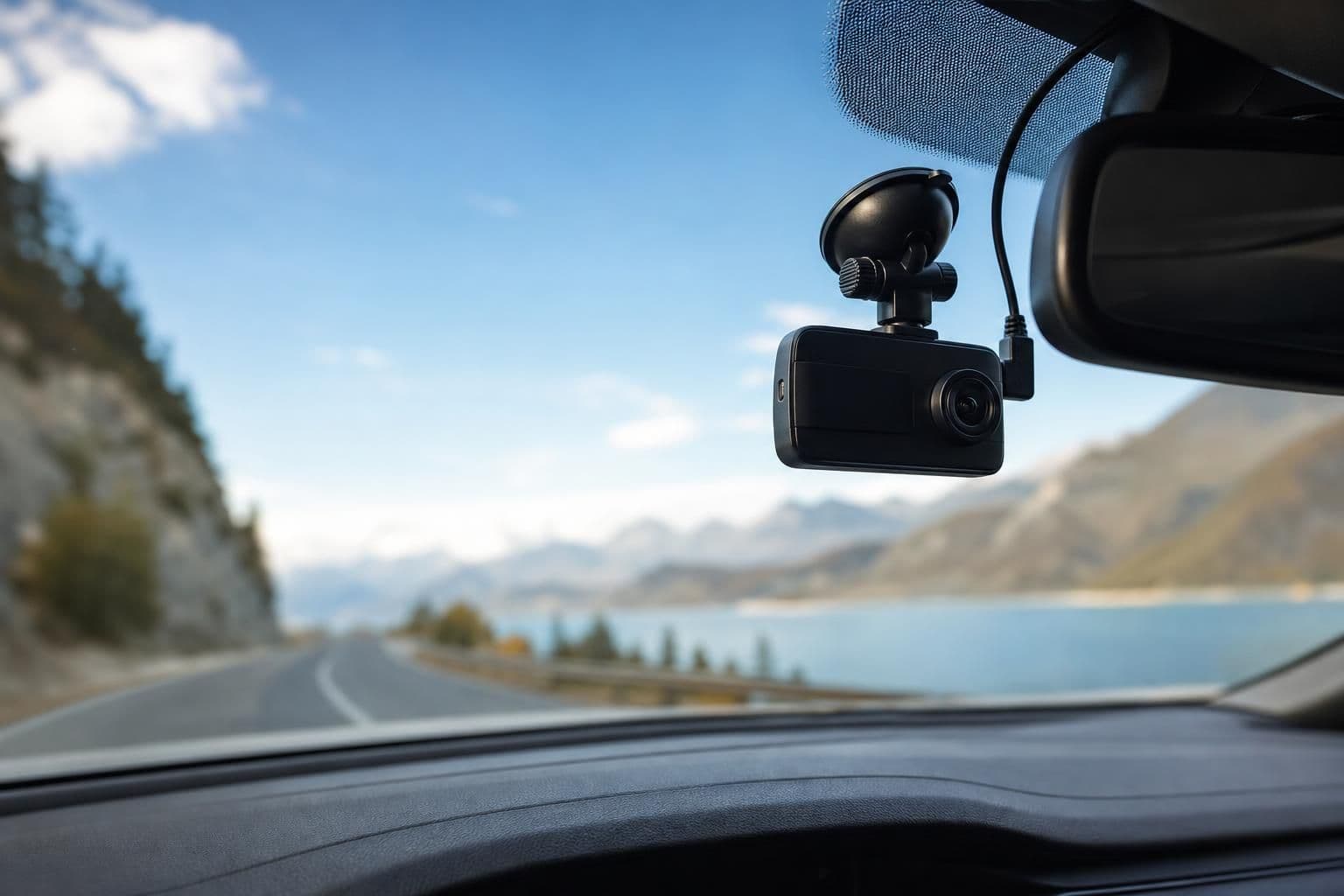
A good dash cam for a car should record in at least 1080p, have a wide field of view (130° or more), and use loop recording so it never runs out of storage. Beyond that, whether you need parking mode, dual-channel (front and rear) coverage, or a hardwired power setup depends on how and where you drive. There's no single "best" model for everyone — the right pick matches your budget, your car, and what you're actually trying to protect against.
Key takeaways
- Prioritize a wide field of view and 1080p+ resolution over extra app features you'll rarely use.
- Check your state's windshield obstruction and audio-recording laws before mounting or using a dash cam.
- A large microSD card (64GB or more) with loop recording matters more than brand name for day-to-day reliability.
What a Dash Cam Actually Needs to Do
Strip away the marketing and a dash cam has three real jobs: capture clear footage, keep recording continuously without you managing it, and survive being baked in a hot car. Resolution and field of view are the two specs that matter most for usable footage — a 1080p camera with a narrow 100° lens can miss the car that clips you in the next lane over, while a wider 140° lens captures more of the intersection at the cost of some detail at a distance.
Loop recording is the feature that makes a dash cam actually low-maintenance: it automatically overwrites the oldest footage once the memory card fills up, so you never have to manually delete files. Most units also have a G-sensor that detects sudden impacts and locks that clip so it can't be overwritten — this is the file you'd pull if you needed to show what happened in a collision.
Dash Cam Types Compared
| Type | Typical Resolution | Best For | Power Source | Downside |
|---|---|---|---|---|
| Single-channel (front only) | 1080p–4K | Basic accident documentation | 12V outlet or hardwire | No rear/interior coverage |
| Dual-channel (front + rear) | 1080p front / 720p rear | Rideshare and delivery drivers | Hardwire kit recommended | More complex install |
| Mirror-style | 1080p | Drivers who want a discreet setup | 12V outlet | Smaller screen, harder to angle |
| 3-channel (front, rear, cabin) | 1080p–1440p | Rideshare drivers who need cabin proof | Hardwire kit | Highest cost, most wiring |
If you're weighing this alongside other road-trip gear, it's worth reading through car accessories that actually earn their space on long drives before you commit to a full setup — a dash cam is only one piece of a practical road-trip kit.
Legal Considerations Before You Install One
Dash cam legality isn't uniform. Some states restrict how much of the windshield can be obstructed by a mounted device, which affects where you're legally allowed to place the camera. The Governors Highway Safety Association tracks state-by-state traffic laws, including windshield obstruction rules, and it's worth a quick check before you mount anything near your sightline.
Audio recording adds another layer: some states require two-party consent to record conversations, which matters if your dash cam also records cabin audio and you regularly have passengers. This is the same reason any recording device — a dash cam, a body camera, or a hidden camera detector — comes with the same caveat: laws vary by state and country, and it's on the owner to check local rules before recording anyone without their knowledge.
The National Highway Traffic Safety Administration doesn't regulate dash cams directly, but its crash data and vehicle safety resources are a useful baseline if you're trying to understand why insurers increasingly ask for dash cam footage after a claim — timestamped video is often faster to review than a written statement.
Installation and Power: The Details That Actually Matter
Most dash cams plug into a 12V outlet, which is simple but means the camera only records while the accessory power is on — usually just while the engine runs. A hardwire kit taps into a fuse box so the camera can also run in parking mode, watching the car while it's off and only saving footage if the impact sensor triggers. That's the setup rideshare and delivery drivers tend to want, since a hit-and-run in a parking lot happens far more often than a highway collision.
Storage size is the other detail people underestimate. A 1080p front camera at 30fps can fill a 32GB card in a few hours of loop recording, so most drivers are better off starting with 64GB or 128GB and formatting it inside the camera (not just on a computer) to avoid file-system errors. If you're setting up a car for regular trips, this is worth planning alongside a broader checklist of travel accessories worth packing so the camera isn't an afterthought wired in at the last minute.
When a Dash Cam Isn't the Right Tool
A windshield-mounted dash cam only sees what's in front of (or behind) the car. If what you actually need is documentation outside the vehicle — a delivery dropped at a door, a walk-through inspection, or footage while you're outside the car entirely — a fixed dash cam won't help. For that kind of portable, wearable recording, something like a 4K Rotatable Body Camera covers a different gap: it clips on, rotates to reframe the shot, and goes wherever you go rather than staying bolted to a windshield mount. It's not a dash cam replacement, but it's a reasonable complement for anyone whose driving job involves stepping out of the car as often as sitting in it.
Frequently Asked Questions
Q: What resolution should a dash cam have?
1080p is the practical minimum for reading license plates and road signs clearly; 1440p or 4K adds detail but also larger file sizes, so pair a higher resolution with a larger memory card.
Q: Do I need a rear camera too?
Only if you're commonly rear-ended, drive for rideshare or delivery work, or want proof of what happens behind you at intersections — otherwise a single front-facing camera covers most everyday needs.
Q: Is it legal to record with a dash cam?
Video recording is generally legal in public spaces across the U.S., but windshield placement rules and audio-recording consent laws vary by state, so it's worth checking local regulations, especially if the camera also records cabin audio.
Q: How long does dash cam footage stay before it's overwritten?
That depends entirely on card size and video quality — a 64GB card recording 1080p footage typically holds several hours to a day of driving before loop recording starts overwriting the oldest clips, unless they've been locked by an impact sensor.
Q: Can a phone mount work as a dash cam instead?
A phone can record video, but it lacks automatic loop recording, parking-mode power management, and a fixed, vibration-resistant mount, which is why dedicated dash cams remain more reliable for continuous, hands-off recording.