How to Choose the Best Phone Stand for Desk Use
Key takeaway
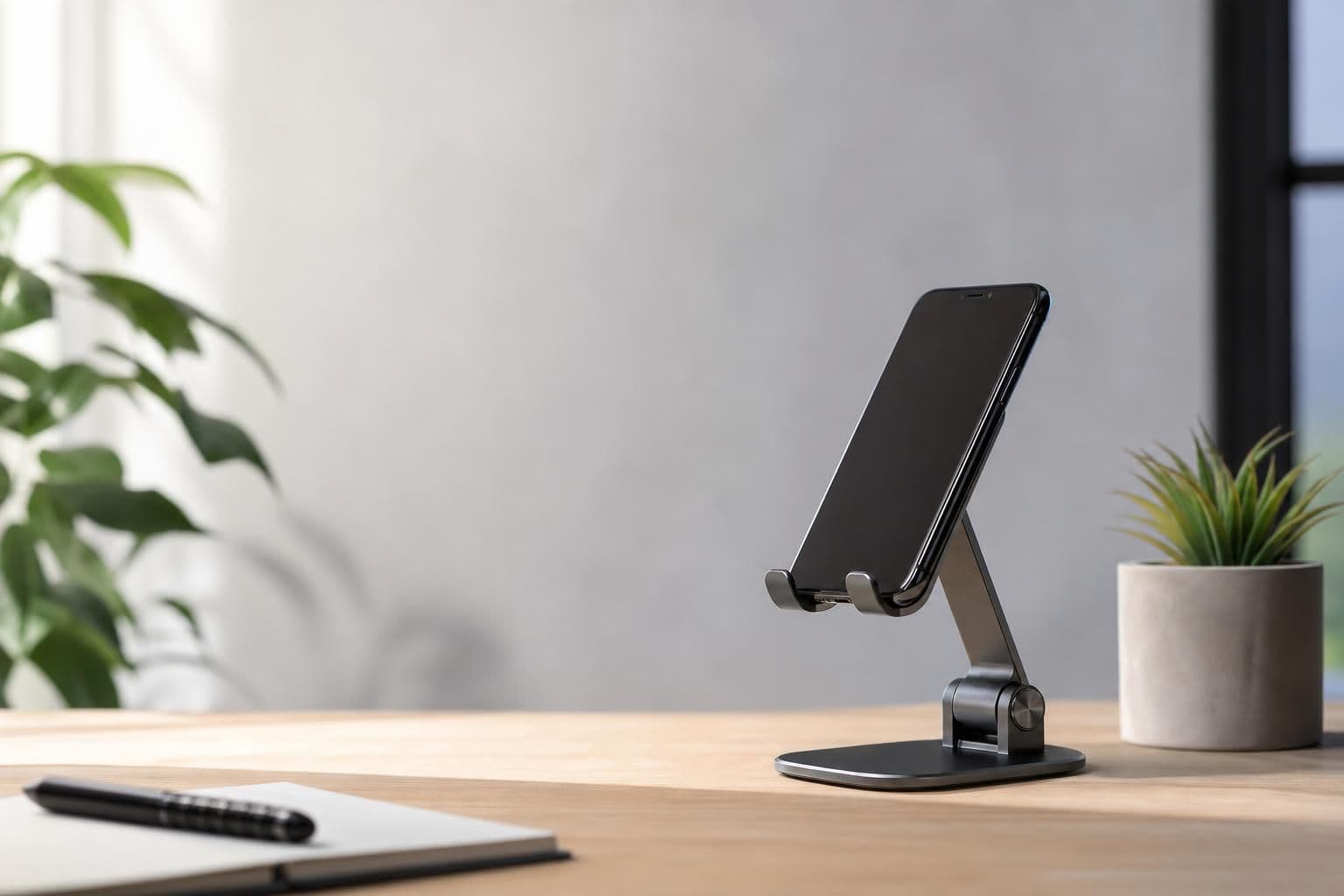
The best phone stand for a desk holds your phone at eye level or slightly below, keeps the screen visible during video calls or video playback, and frees both hands for typing, eating, or other tasks. Look for an adjustable viewing angle, a stable non-slip base, and a mount style that matches how you actually use your phone — magnetic, clamp, or cradle. Most desk stands cost between $15 and $40 and work with any phone size once you check the stand's width and weight limits.
Key takeaways
- Pick a stand with at least two adjustable angles so you can switch between video calls (eye level) and reading or cooking (lower, tilted).
- A wider, heavier base matters more than material — plastic and metal both work fine if the footprint resists tipping when you tap the screen.
- Magnetic stands skip the cradle entirely and let you snap the phone on and off in one motion, which is useful if you move between desk and bag often.
What a desk phone stand actually needs to do
A phone stand's job sounds simple, but it fails in a few predictable ways: it tips over when you tap the screen, it blocks the camera at the wrong angle, or it can't hold the phone once you add a case. Before buying, check three things — the base width relative to the stand's height, whether the cradle or magnet accommodates a case, and whether the viewing angle can be adjusted without tools.
A stand that only offers one fixed angle is fine for watching video but awkward for a video call, where you want the camera closer to eye level. If you plan to use the stand for calls, cooking, or reading recipes, an adjustable hinge is worth the extra few dollars.
Types of phone stands and who they suit
- Cradle stands — a simple slot or clip holds the phone from the bottom and back. Cheap, stable, but usually fixed at one or two angles.
- Clamp stands — grip the edge of a desk or monitor, saving desk space. Good for small desks but less portable.
- Magnetic stands — the phone attaches via a magnetic plate or built-in magnet (like current iPhone MagSafe-compatible phones), letting you rotate or detach instantly.
- Multi-function stands — combine a stand with a charger, grip, or car mount attachment, so the same accessory moves between desk, bag, and car.
If you already own a phone with magnetic charging support, a magnetic option such as the 5-in-1 Magnetic Phone Stand covers desk use and doubles as a stand for other spots in the house, since it attaches and detaches without a cradle to fiddle with. We've broken down exactly what it does and how the magnet holds up under daily use in this closer look at the 5-in-1 stand.
Angle and height: why it matters more than price
Posture research from the National Institute for Occupational Safety and Health notes that prolonged neck flexion — the "text neck" position of looking down at a device — increases strain on neck and shoulder muscles over a workday. A desk stand that brings the phone screen closer to eye level reduces how far you tilt your head during calls or video playback, which is the main ergonomic argument for using one instead of propping the phone flat on the desk.
For video calls specifically, aim for a stand that puts the camera roughly level with or just below your eyes — too low and you get an unflattering upward angle, too high and you strain your neck looking up.
Material, stability, and weight limits
Most desk stands are aluminum, ABS plastic, or a mix of both. Metal bases tend to resist tipping better because of their weight, but a wide plastic base with rubber feet performs just as well in practice. Check the stand's rated phone size or weight limit if you use a larger phone or a thick protective case — a cradle sized for a compact phone may not grip a phone-and-case combo securely, and a magnetic stand depends on the phone having (or wearing a case compatible with) a magnetic array.
Desk stand vs. car mount vs. tripod
A phone stand for a desk is built for a flat, stationary surface and usually isn't meant to survive vibration or movement. If you also need something that holds a phone steady in a moving vehicle, that's a different product category with different grip requirements — we cover what to check for in our guide to choosing a phone mount for the car. Don't expect a lightweight desk cradle to double as a dashboard mount; the base and grip strength aren't designed for it.
Quick buying checklist
- Confirm the base width is at least as wide as the stand is tall, to resist tipping.
- Check whether the angle adjusts for both video calls and lower-angle reading or cooking use.
- Verify it fits your phone size and case thickness, especially for magnetic or slot-style cradles.
- Decide if portability matters — a magnetic or foldable design travels better than a rigid cradle.
- Look at the mounting surface you have (desk, monitor edge, countertop) and match the stand type to it.
Frequently Asked Questions
Q: What angle should a phone stand be for video calls?
Aim for an angle that puts the phone's camera roughly at or just below eye level, so you're not looking sharply up or down during the call. Most adjustable stands offer a range between 20 and 70 degrees, which covers typical desk heights.
Q: Do magnetic phone stands work with any phone case?
Only if the case itself is magnetic or thin enough for the phone's built-in magnet to connect through it; thick or bulky cases can weaken the hold. If your case isn't magnetic-compatible, a cradle-style stand is a safer bet.
Q: Can I use the same phone stand on a desk and in the car?
A basic desk stand isn't built for vehicle vibration and may not grip securely while driving, so it's worth using a mount designed specifically for car use if that's a regular need. Desk stands prioritize a stable base on a flat surface rather than a clamp that resists motion.
Q: How much should a decent phone stand for desk use cost?
Most reliable options fall between $15 and $40, with multi-function or magnetic designs toward the higher end of that range. Price differences usually come down to adjustability and build material rather than a big jump in core function.
Q: Is looking down at a phone on a flat desk actually bad for your neck?
Extended time in a forward-tilted neck position adds load to neck and shoulder muscles, according to occupational health guidance from agencies like NIOSH. Raising the phone to a more neutral eye-level position with a stand is a simple way to reduce that strain during long calls or video sessions.