How to Store Body Camera Footage: A Practical Guide
Key takeaway
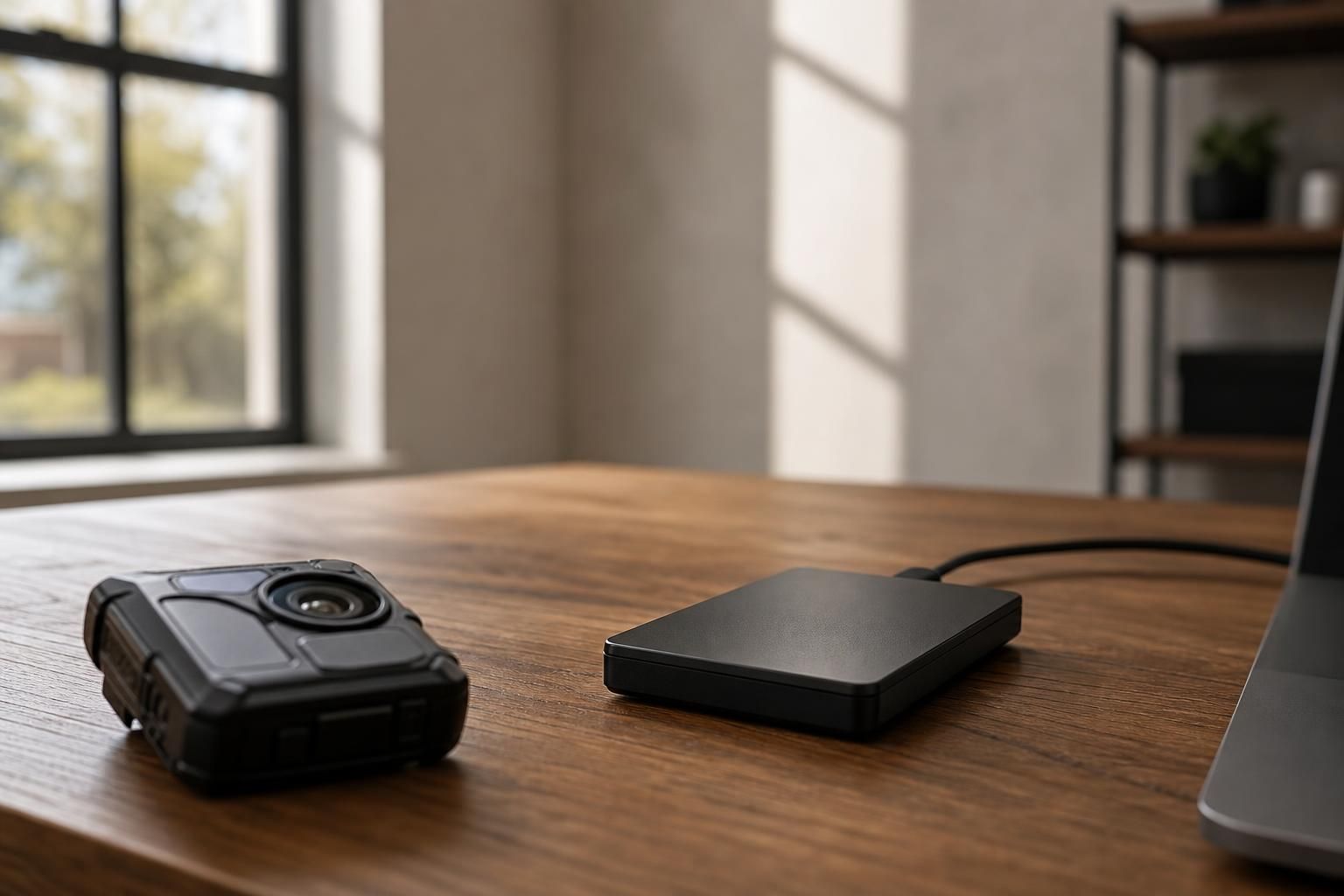
Body camera footage can be stored by transferring it from the camera's internal memory to a computer, external hard drive, or cloud service, then organizing files by date and renaming them for easy retrieval. Most everyday users connect the camera via USB to offload clips, back them up in at least one other location, and delete or archive older footage once it's no longer needed. The right setup depends on how much footage you record and how long you need to keep it.
Key takeaways
- Transfer footage off the camera regularly rather than letting it sit on internal memory, which can fill up or be overwritten.
- Keep at least two copies of footage you care about — one local (computer or external drive) and one backup (cloud or second drive).
- Decide on a retention period in advance; footage you don't need indefinitely should be deleted on a schedule to save space and reduce privacy exposure.
Why a Storage Plan Matters
Footage that isn't backed up is one dropped phone, corrupted card, or lost device away from being gone. For anyone using a body camera for personal documentation — dog walking, deliveries, real estate showings, or general peace of mind — a simple, repeatable storage habit matters more than expensive equipment. The National Institute of Standards and Technology publishes general guidance on digital data integrity and backup practices that applies just as well to personal video files as it does to enterprise data: redundancy (more than one copy, in more than one place) is the single biggest factor in not losing files.
If you're still deciding which features matter for your situation, it's worth reading through what actually matters when comparing body camera features before you settle on a storage routine, since recording length and file size affect how often you'll need to transfer footage.
Storage Options Compared
There isn't one correct way to store footage — the right method depends on volume, budget, and how long you need to retain clips. Here's how the common options stack up:
| Storage Method | Best For | Typical Cost | Downside |
|---|---|---|---|
| Local computer folder | Occasional recording, quick review | Free (uses existing device) | No backup if computer fails |
| External hard drive | Larger archives, long-term keeping | One-time purchase | Can still fail or be lost/stolen |
| Cloud storage (e.g., Google Drive, Dropbox) | Off-site backup, access from anywhere | Often free up to a limit, paid tiers beyond that | Requires internet upload time |
| Network-attached storage (NAS) | Frequent recording, multiple devices | Higher upfront cost | More setup required |
A practical approach for most everyday users is local folder plus one cloud backup — enough redundancy without needing specialized equipment.
How to Transfer Footage From a Body Camera
The general transfer process looks the same across most consumer body cameras:
- Power off the camera before connecting it, if the manual recommends it.
- Connect the camera to a computer using the included USB cable.
- Open the device as an external drive and copy the video files to a folder on your computer.
- Verify the files play correctly before deleting them from the camera.
- Back up the copied files to a second location (external drive or cloud).
The 4K Rotatable Body Camera is built around simple, hands-free operation, which makes this kind of routine transfer straightforward for non-technical users. For exact details on its recording format and setup, check the 4K Rotatable Body Camera product page rather than relying on generic specs, since storage capacity and file format vary by device.
If you haven't picked a camera yet, this buyer's checklist for choosing a body camera walks through the features worth comparing before you buy, including how footage is saved and transferred.
Organizing Files So You Can Actually Find Them Later
Unsorted footage is nearly as bad as lost footage. A simple naming convention saves time later:
- Use the date first:
2026-10-25_morning-walk.mp4 - Add a short location or activity tag if relevant
- Keep one master folder per month rather than per day, so the folder list doesn't become unmanageable
- Separate "keep" and "review later" footage into different subfolders so important clips don't get buried
This matters more than it sounds — most people who lose track of footage don't lose the files, they just can't find the right one when they need it.
How Long Should You Keep Footage?
There's no single legal retention period that applies to everyone, because rules depend on who's recording, why, and where. Law enforcement agencies in the U.S. generally follow retention schedules set by state law or department policy, and the Bureau of Justice Assistance has published overviews of how these policies are typically structured — often ranging from 60 to 90 days for routine footage, with longer holds for footage tied to an incident. Everyday personal users aren't bound by those same rules, but the same logic applies: keep footage only as long as you have a reason to, and delete the rest to free up space and limit who could potentially access it if a device is lost.
If you're recording in a workplace setting, the rules get more specific — this guide on recording at work with a body camera covers what to check before you start.
A Note on Privacy and Legality
Recording and storage laws vary significantly by state and country, particularly around consent and where footage can be used. The Reporters Committee for Freedom of the Press maintains state-by-state guides on recording laws that are a useful starting point for understanding consent rules where you live. This article is general information, not legal advice — always check your local and state laws before recording in situations involving other people, and never use a body camera or any recording device to covertly capture someone without their knowledge.
Frequently Asked Questions
Q: How long should I keep body camera footage?
For personal use, keep footage only as long as you have a reason to — many people use a 30 to 90 day rotation for routine clips and keep incident-related footage longer. Law enforcement retention schedules differ and are set by department policy or state law.
Q: Can I store body camera footage in the cloud?
Yes, most common cloud storage services (like Google Drive or Dropbox) work fine for personal body camera footage, as long as you have enough storage space and a reliable upload connection. Cloud storage is best used as a backup alongside a local copy, not as the only copy.
Q: Do I need special software to store or organize footage?
No special software is required for personal use — a standard computer folder structure with clear file names is usually enough. Dedicated video management software is more common for organizations managing many cameras at once.
Q: Is it legal to record someone and store the footage without telling them?
Recording laws vary by state and country, and many places require at least one party's consent before recording audio or video of someone. Check your state's specific laws or a resource like the Reporters Committee for Freedom of the Press before recording in situations involving other people; this is general information, not legal advice.
Q: What's the simplest storage setup for someone who records occasionally?
A basic setup of transferring footage to a computer folder and backing it up to a free-tier cloud account covers most casual, everyday use. For anyone recording more often, an external hard drive adds extra room without needing a full network storage setup.